TerminalOS
Automate • Extend • Control
Build, run, and automate anything from a single reloadable CLI platform.
TerminalOS turns your terminal into a modular control surface for automation, device management, OCR, cron jobs, and local AI workflows.
Drop in feature modules, reload code instantly, and control Android devices with ADB. The entire experience is built around a futuristic dark theme inspired by the project’s main visual identity.
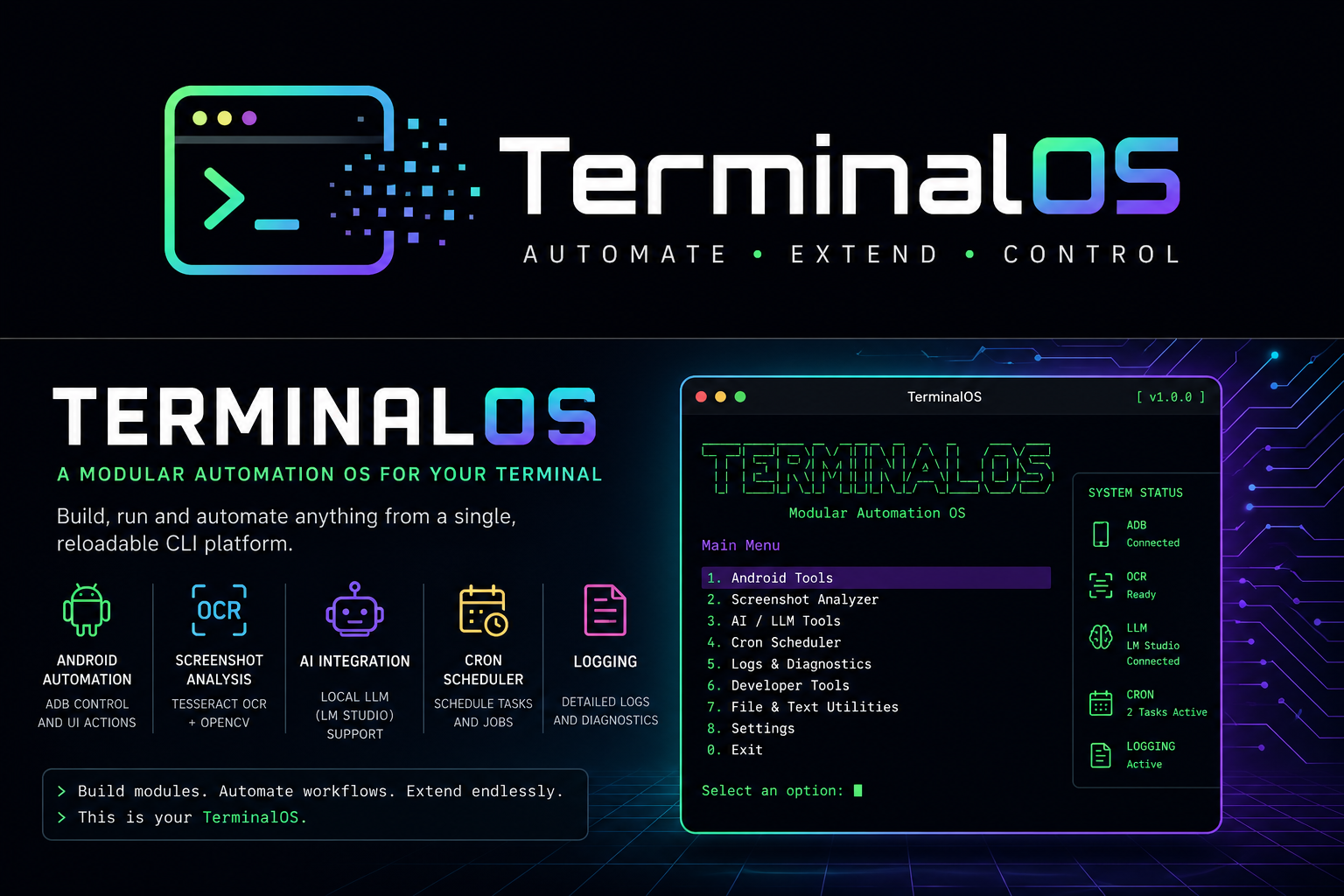
Core Capabilities
Designed for automation🤖 Android Automation
ADB control for tap, swipe, text input, screenshots, and app management.
📸 Screenshot Analysis
Combine OpenCV and OCR for visual inspection and text extraction workflows.
🧠 AI Integration
Use local LLM support for context-aware terminal workflows and automation.
⏰ Cron Scheduler
Schedule recurring tasks and jobs with cron-style automation rules.
📋 Logging & Diagnostics
Automatic session logs, diagnostics, and structured status output.
🔌 Dynamic Modules
Discover and reload module controllers without restarting the app.
Why TerminalOS?
Fast, modular, extensibleClean Architecture
Controllers stay thin while business logic lives in services and libraries.
Live Reload
Edit code, return to the menu, and see changes immediately.
Production Ready
Centralized status logging, config management, and resilient error handling.
Quick Start
Up and running in minutes# Clone the repository
git clone https://github.com/NatBuilds/TerminalOS.git
cd TerminalOS
# Create a virtual environment
python -m venv .venv
.\.venv\Scripts\Activate.ps1 # Windows
# Install dependencies and run
pip install -r requirements.txt
python run.pyCreate your first module by adding a controller.py file under app/modules/<name>/ and exporting a register(menu) function.
Documentation
Explore the full guide set- Quick Start — installation and first module
- Architecture — module system and structure
- API Reference — all core libraries and workflows
- Development — building new features